Lumen documentation
Shine a light on AI use
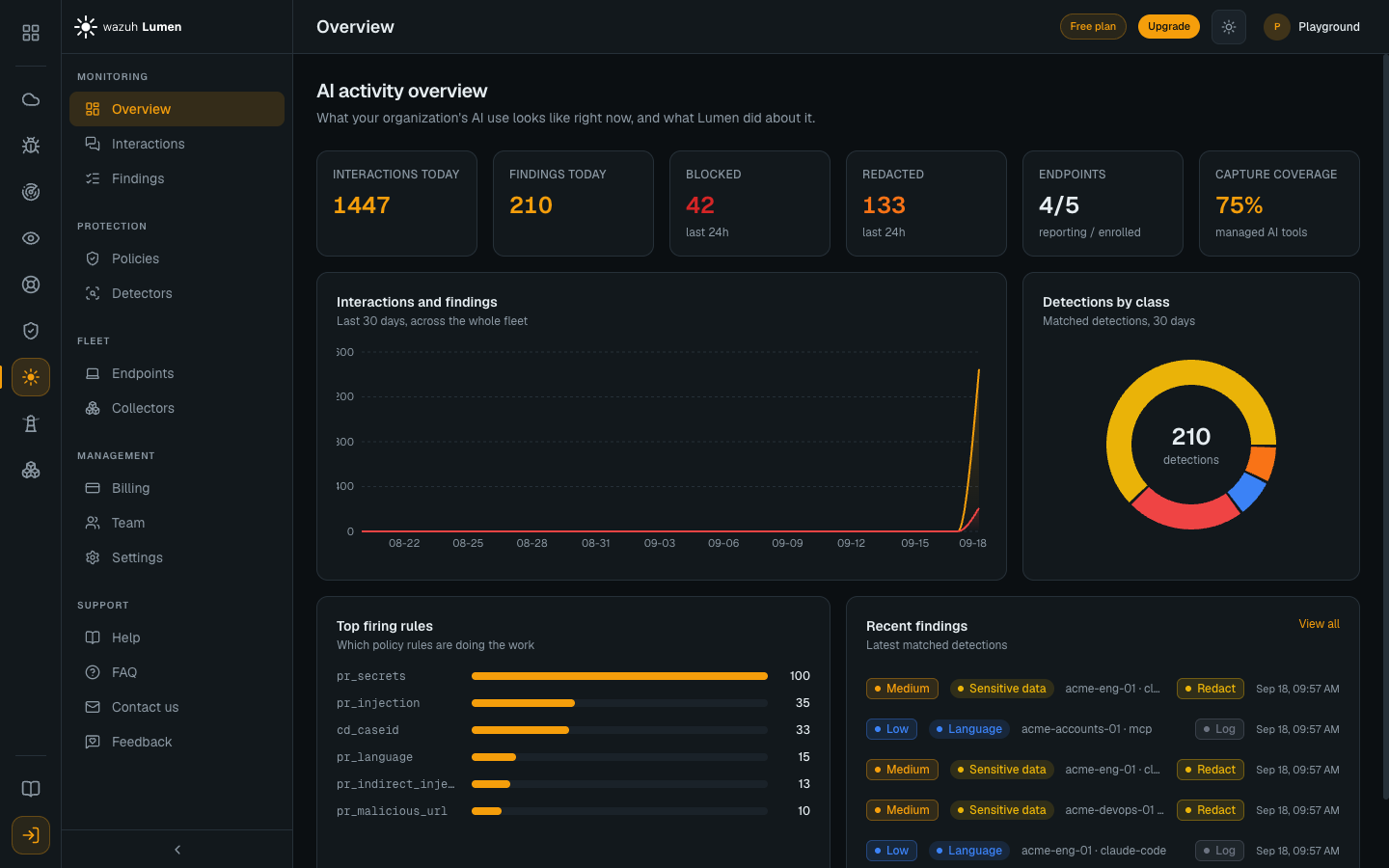
Lumen is AI Detection & Response (AIDR). It sees how your people use generative AI — in the browser and in developer tooling — inspects every prompt and response in real time for LLM-specific risks, and can Log, Redact or Block per policy. Every finding lands in one console, and the verdict is computed locally on the endpoint in single-digit milliseconds, so the cloud never sits in the request path.

Detect LLM-specific risks
Six detection classes: prompt injection and jailbreaks, sensitive-data exposure, malicious entities, toxic content, language, and topic violations, evaluated inline, in single-digit milliseconds.
Respond inline
Every interaction resolves to one action: Log it, Redact the matched spans before anyone sees them, or Block it outright. A secret split across streaming chunks is caught before either half is delivered.
Cover the endpoint
The endpoint agent is a single Go daemon that installs with one command and captures developer AI tooling — Claude Code, IDEs, shells and MCP traffic — with zero inbound ports.
Cover the browser
The browser extension makes ChatGPT, Claude, Perplexity and Gemini (in preview) visible and governable from inside the browser, and can redact or block a prompt before it is sent. It gets every verdict from the agent on the same machine; a managed browser receives it by policy, and an unmanaged one loads it by hand for now.
Get started
Lumen is a Wazuh Labs service, so you sign in with your Wazuh ID and read everything in the Lumen console. Getting to your first finding is four steps.
- Get access and open the console. Access is arranged with Wazuh; you sign in through Wazuh ID at the Wazuh Hub, the ecosystem's front door, and the first person from an organization to open Lumen becomes its admin. The console address comes with your access.
- Enroll a machine. In the console, Endpoints → Enroll mints a single-use token and prints the install command with the token filled in. Run it on the target machine: the one-liner installs the endpoint agent and registers the OS service in one step. The browser extension comes from the Chrome Web Store, and the one-liner registers the agent for it: on Windows and Linux it also force-installs it (in Edge on Windows, only on a machine joined to an Active Directory domain), and elsewhere, such as a Mac without an MDM profile, it is one click on the listing. macOS is the supported platform today; see what the installer does on each platform.
- Watch, then enforce. Every fresh install and every newly enrolled machine starts in monitor mode: every detector your policy references runs, every match is recorded, and nothing is redacted or blocked. The built-in policy, Local default, only logs, so enforcing takes two deliberate steps: a policy with rules promoted to Redact or Block (the built-in Recommended enforcing is one, ready to assign), and the endpoint switched to Enforcing. Collect on real traffic first, then tighten. See From monitor to enforce.
- Read your findings in the console. AI activity appears within a minute of enrolling, with the action Lumen took on each interaction.